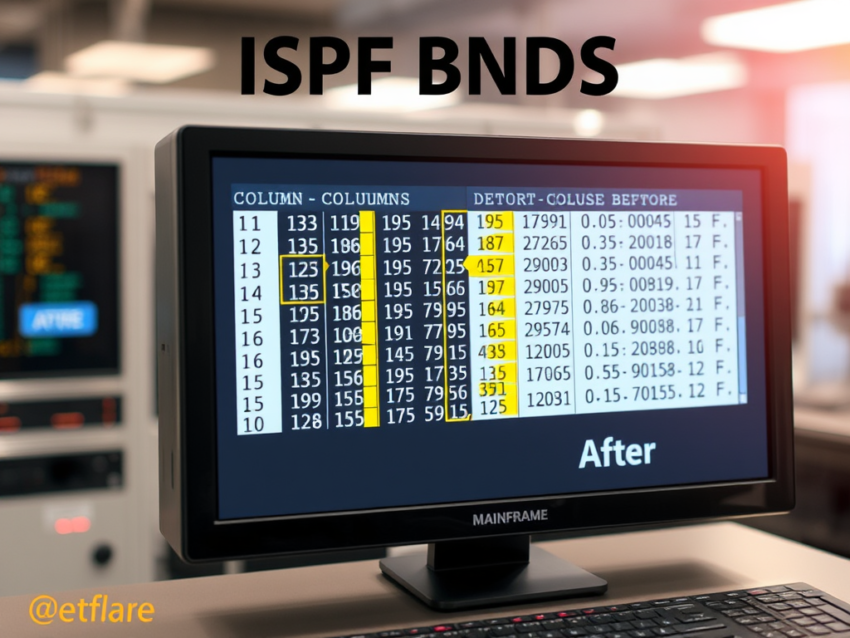
The ISPF BNDS command helps mainframe developers shift data within specific columns of a dataset. Most programmers know how and why to use ), )), and (( line commands. However, these commands move entire lines. When you need to shift only selected columns, the BNDS command offers a better solution.
Display Current Boundaries
In this example, we use a file with a record length of 20 characters. Enter the BNDS command as a line command on the first record. ISPF displays the current file boundaries and marks them with angle brackets (<>).

Shift Data Within a Column Range
Suppose you want to move data only within columns 5 through 15. Enter the following command:
BNDS 5 15
Next, use the shift command on lines 1 through 5. ISPF shifts only the data that falls within the specified boundaries. Data outside columns 5 through 15 remains unchanged.
This feature makes the ISPF BNDS command very useful when you need to align or reformat data in specific sections of a record without affecting the rest of the line.

Using an Asterisk with BNDS
You can use an asterisk (*) to leave one boundary unchanged. For example:
BNDS * 15
This command keeps the current left boundary and changes the right boundary to column 15. Similarly, you can specify a left boundary and keep the existing right boundary unchanged.
Important Note
After you finish using the ISPF BNDS command, turn it off. Leaving BNDS active can lead to unexpected results during later edits. The RESET command does not clear BNDS settings, so you must remove the boundaries manually when you no longer need them.
Conclusion
The ISPF BNDS command is a simple but powerful ISPF editing feature. It allows you to shift and manipulate data within specific columns while protecting the rest of the record. Understanding this command can save time and reduce editing errors when working with mainframe datasets.