COMP * Command: Compare JCL Changes Easily
When working with JCL (Job Control Language), reviewing updates between different versions can be a time-consuming task. Fortunately, ISPF provides a simple comparison feature that helps users quickly identify modifications without manually scanning every line.
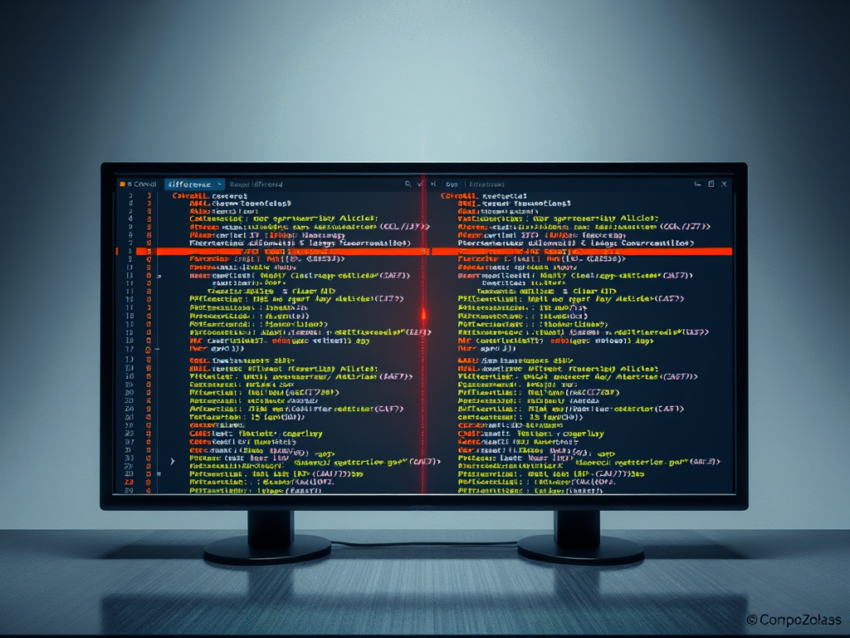
The COMP * or COMP * X command allows you to compare the current member with its previous version. Once executed, the comparison screen highlights the differences, making it easier to review updates, validate changes, and troubleshoot issues. Modified lines are typically marked with indicators such as === and .QAAAx, enabling users to pinpoint changes immediately.
For example, assume a JCL member has been updated and the program name has changed from its original value to AMBLIST1. Running the comparison command displays both versions side by side and highlights the modified line. This eliminates the need for a manual review and helps ensure that only the intended changes were made.

For example, the program name in the modified JCL is AMBLIST1 . Using COMP * command we can easily figure out the difference between the two versions of the JCL.
Example of COMP * in JCL
Suppose the program name in the modified JCL has been changed to AMBLIST1. By executing the COMP * command, you can quickly compare the old and new versions of the JCL and identify exactly what has been modified.
Benefits of Using COMP * for JCL Comparison
- Quickly identify JCL changes between versions.
- Simplify JCL review and troubleshooting processes.
- Reduce the risk of overlooking important modifications.
- Improve efficiency when validating JCL updates.
The COMP * command is especially valuable for mainframe developers and system programmers who need a fast and reliable way to track and verify JCL changes.
1 thought on “COMP * Command in JCL”
Comments are closed.