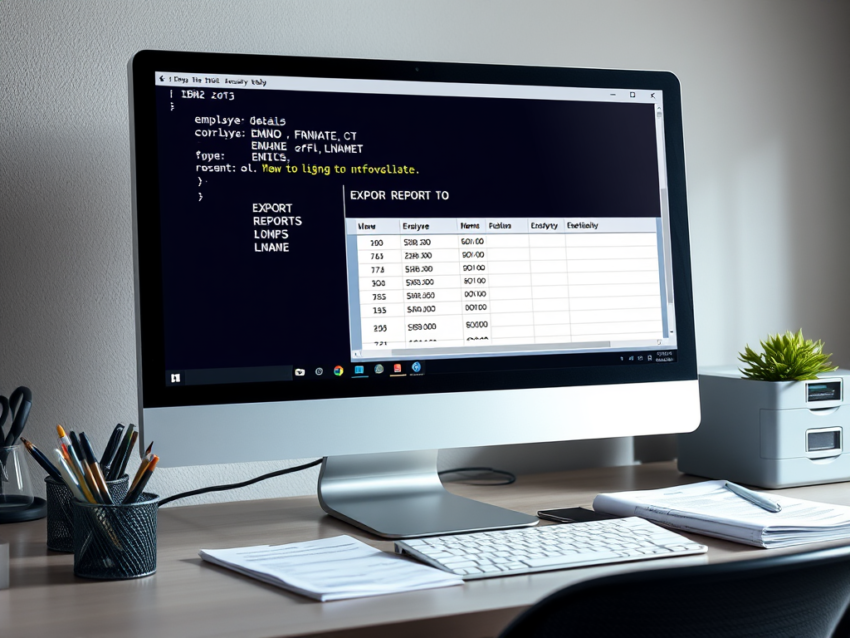
IBM Db2 QMF Export Report to a Dataset
IBM Db2 Query Management Facility (QMF) provides several options for generating and saving reports. One of the most commonly used features is the IBM Db2 QMF Export Report command, which allows users to save formatted query results directly to a dataset for future processing, reporting, or automation.
This guide explains how to run a query, export the report output, and format the resulting dataset for use in mainframe environments.
What Is the IBM Db2 QMF Export Report Command?
The EXPORT REPORT command in QMF saves a formatted report to a specified dataset. Unlike EXPORT DATA, which focuses on raw data extraction, EXPORT REPORT preserves the report layout and formatting, making it suitable for printed reports, batch jobs, and reporting workflows.
Run a Query in QMF
SELECT EMPNO, FNAME, LNAME
FROM EMPLOYEE
WHERE SALARY >= 10000;
After the query runs successfully, QMF displays the results in a report format similar to the following:
EMPNO   FNAME    LNAME
-----   -----    --------
0001    RYAN     ORLANDO
0002    MIKE     DUTCHER
0003    EN       BOSHER
Export a QMF Report to a Dataset
Once the report is displayed, enter the following command on the QMF command line:
EXPORT REPORT TO 'R0XXX.JCL.REPORT'Replace R0XXX.JCL.REPORT with the name of your target dataset.
After pressing Enter, QMF displays a confirmation message:
OK, REPORT was exported to 'R0XXX.JCL.REPORT'The report is now stored in the specified dataset and can be accessed by JCL procedures or other mainframe applications.
Format the Exported Report
Depending on your reporting requirements, the exported dataset may require minor formatting adjustments.
To improve alignment and readability:
- Use the block command
((16to set the left margin. - Use the
((command to finalize the formatting. - Review the dataset contents to verify alignment and spacing.
These commands help create a clean report layout that is easier to read and process.
IBM Db2 QMF Export Report Best Practices
Choose the Correct Export Option
Use EXPORT REPORT when you need formatted output. If your goal is to transfer raw data to another application, EXPORT DATA may be a better choice.
Allocate the Dataset Properly
Before exporting, ensure the target dataset has adequate space and the appropriate record format, such as RECFM=FB or RECFM=VB.
Automate Reporting Tasks
Organizations frequently incorporate QMF commands into JCL workflows to automate recurring reports. This approach reduces manual effort and improves consistency.
Benefits of Exporting Reports to Datasets
Saving reports to datasets offers several advantages:
- Supports automated batch processing.
- Simplifies report distribution.
- Preserves report formatting.
- Enables integration with other mainframe tools.
- Improves operational efficiency.
Conclusion
The IBM Db2 QMF Export Report command provides a simple way to save formatted query results to a dataset. By following the steps outlined above, you can export reports efficiently, maintain consistent formatting, and prepare output for batch processing or reporting requirements. Proper dataset allocation and formatting practices help ensure reliable results in production environments.