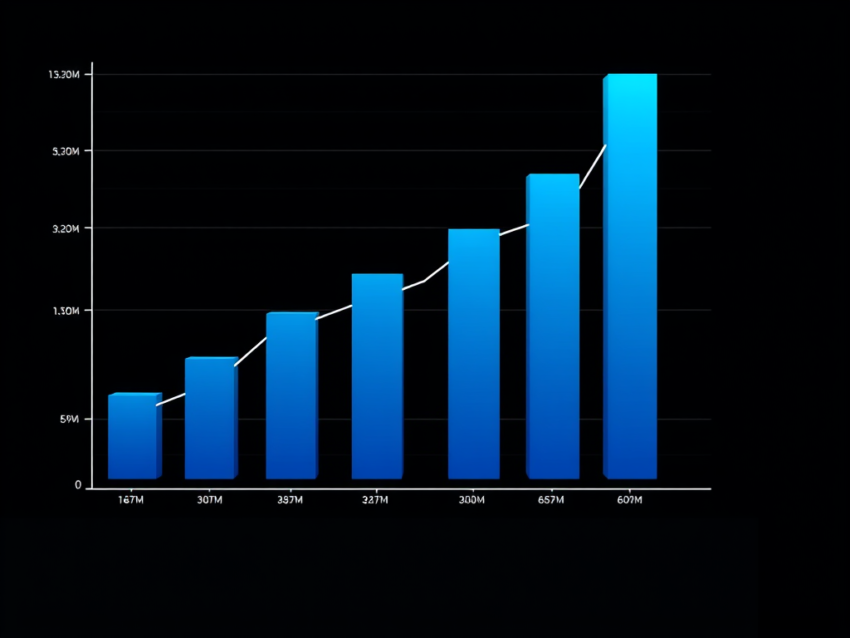
In this post we will see how to add the reference lines in the bar diagrams. Continuing with the previous example, we will have reference lines at intervals 1 and 2 , print the data in descending order and reduce the width of the bars by 2 lines.
Let’s look into the output which we want to achieve. The Output should look like the following

The lines at the frequency 2 and 3 are the reference lines. Let’s look into the SAS Code

The keywords Width =2 controls the width of the bar diagrams
The keyword REF=1 2 draws the reference lines at frequencies 1 and 2 respectively.
The DESC keyword sorts the bar diagrams from high frequency to low frequency, ie descending order.